Know exactly what to build. Every shift.
Tasks, clock, projects — nothing else.
ShopFlow OS gives production staff a focused, clean interface with just the tools they need — their assigned tasks, the time clock, and the projects in their queue. No admin noise. Permission-based access keeps things simple.
Task Assignments
See your assigned tasks with step-by-step instructions, images, priority levels, and time estimates. Mark tasks as in-progress, ask questions directly in the task thread, and submit for review when done.
- ✓Step-by-step task templates with images
- ✓Priority levels: low, normal, high, urgent
- ✓Time estimation and tracking
- ✓Q&A threads per task for questions
- ✓Submit for admin review when complete
Personal Time Clock
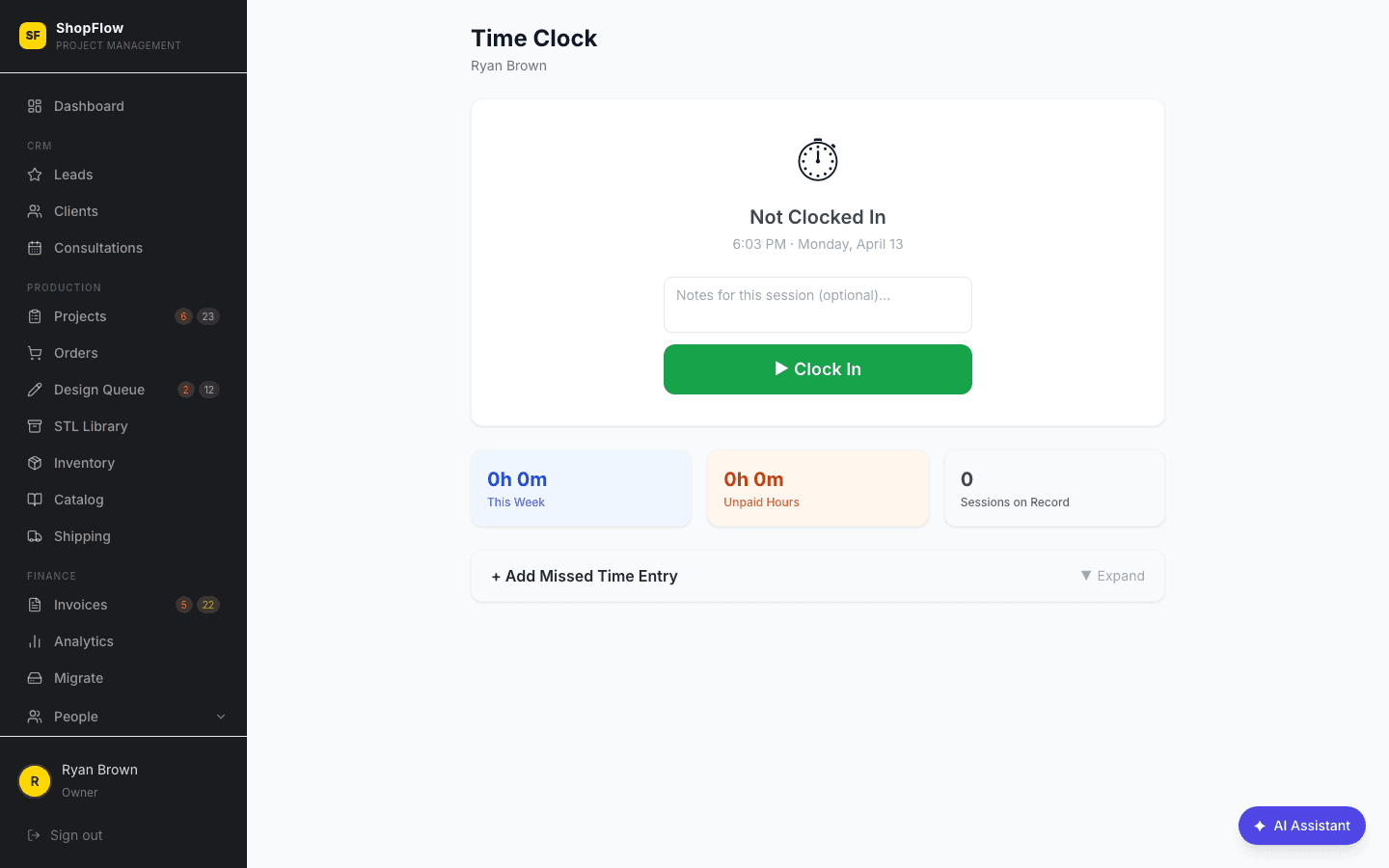
Clock in from your phone, tablet, or the shop computer. Your hours, breaks, and overtime are tracked automatically and feed straight into payroll. No paper timesheets, no guessing.
- ✓One-tap clock in / clock out
- ✓Automatic break deductions
- ✓Weekly timesheet view
- ✓Overtime alerts after 40 hours
Production Board
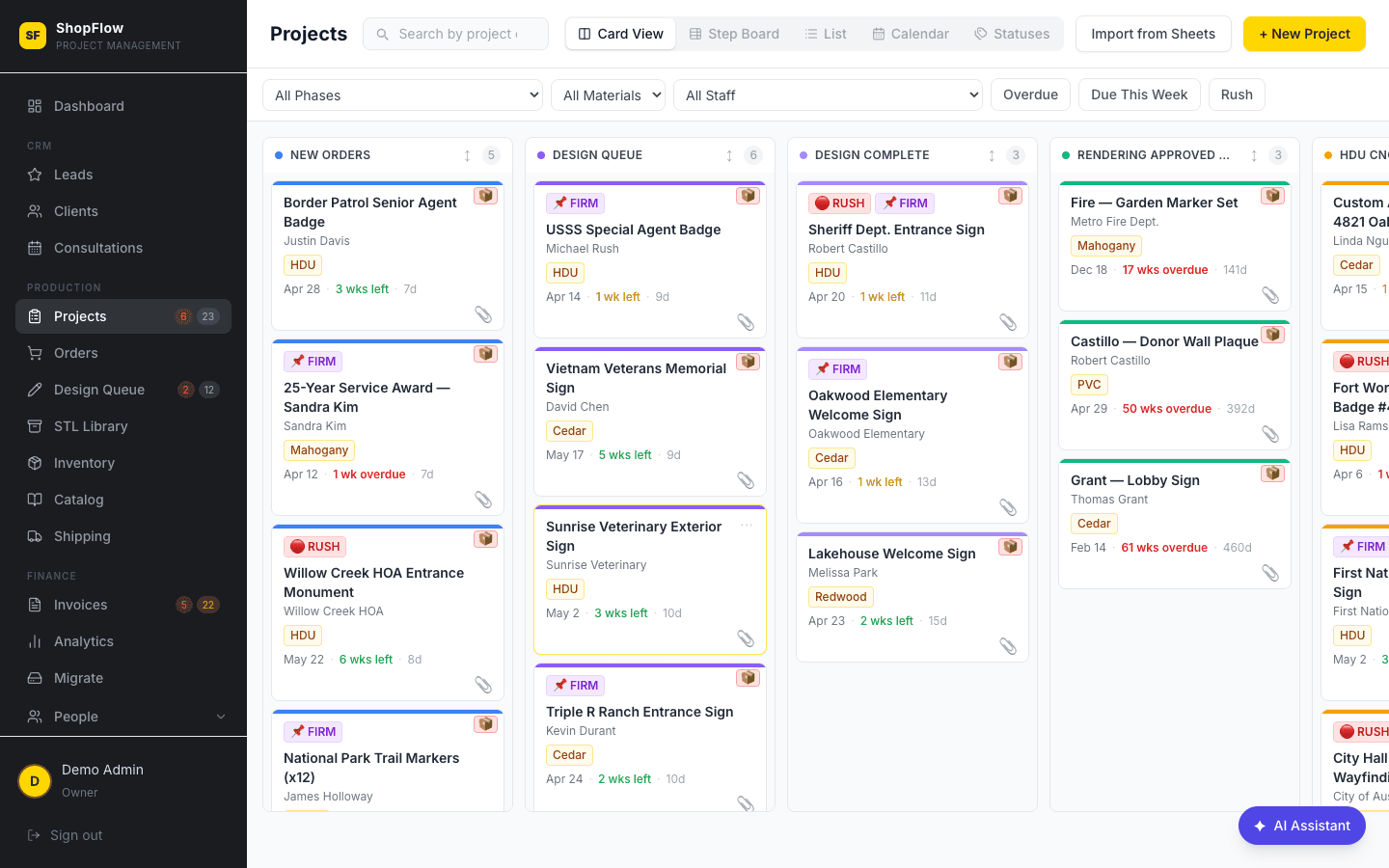
See the projects assigned to you on the kanban — only the work that's yours. Drag cards between phases as you complete steps. Material, size, and deadline info right on the card so you know exactly what to build.
- ✓See only your assigned projects
- ✓Drag cards between production phases
- ✓Material, size, and due date on every card
- ✓URGENT and FIRM DATE flags highlighted
Shipping & Delivery
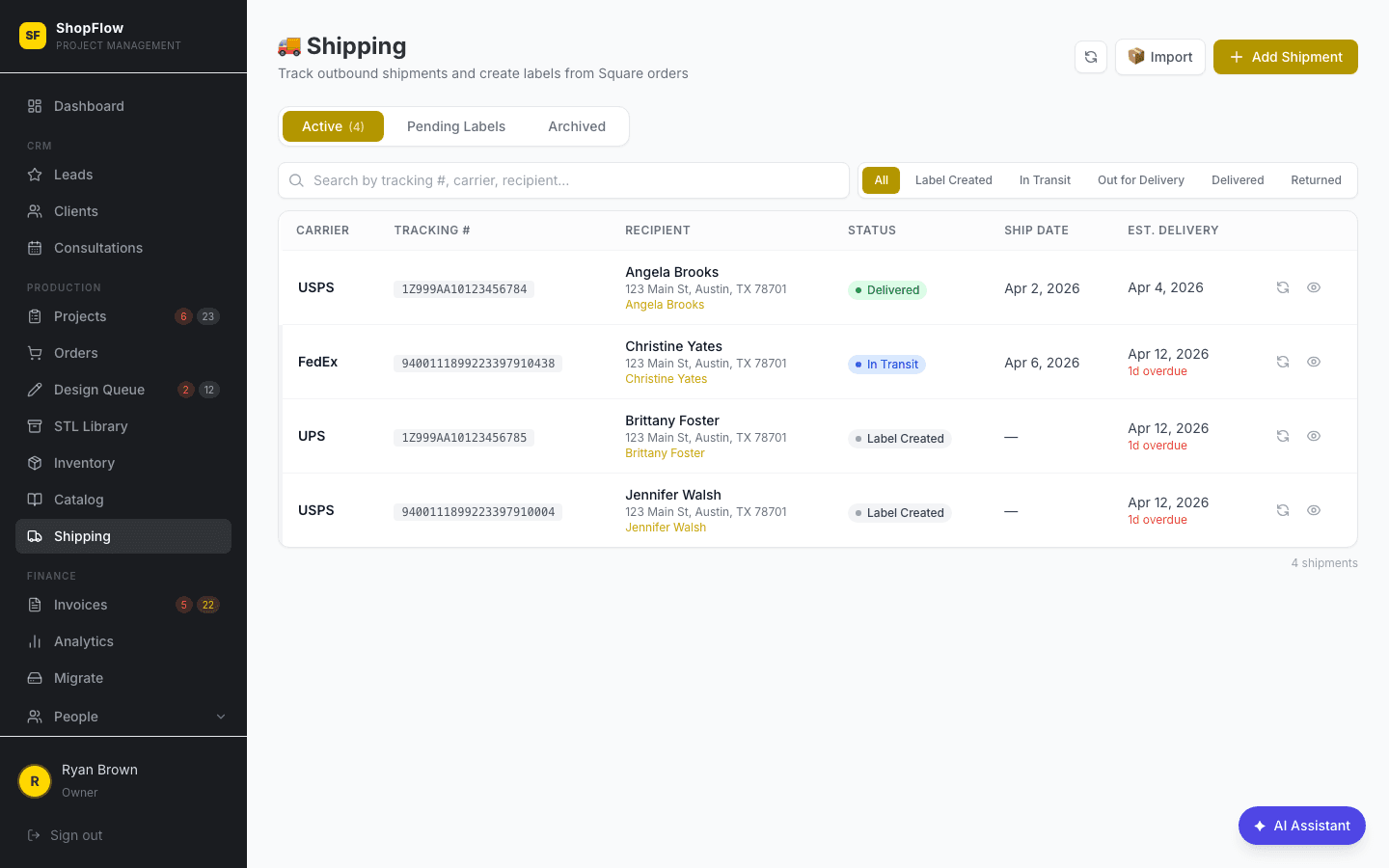
When an order is ready to ship, enter the carrier and tracking number. The client gets notified automatically. Local delivery, freight, and customer pickup are all handled the same way.
- ✓Enter tracking numbers and carriers
- ✓Client auto-notified on shipment
- ✓Local delivery, freight, and pickup options
- ✓Delivery confirmation
Permission-Based Access
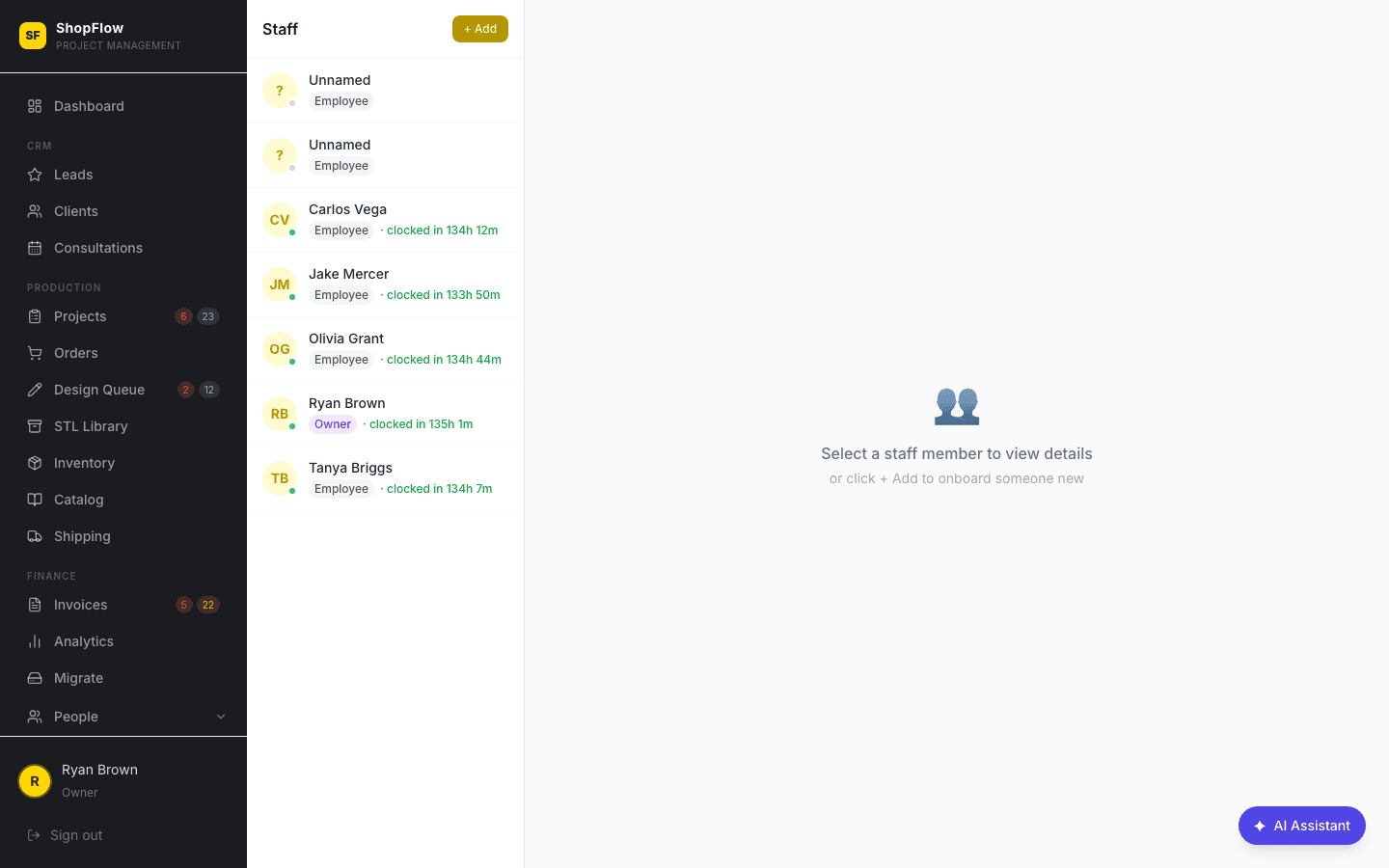
You only see what's relevant to your role. The admin grants access to specific modules — projects, inventory, timeclock, shipping — so the interface stays clean and focused. No admin clutter, no accidental edits.
- ✓Per-employee granular permissions
- ✓Modules: projects, inventory, timeclock, payroll, shipping, design
- ✓Clean interface with only your tools
- ✓Admin can adjust permissions anytime
Be first on the shop floor.
ShopFlow OS opens up to a limited group of founding shops first. Join the waitlist to lock in early access and founding-shop pricing before we open the doors.