Your clients will love this.
No login. No phone tag. Just answers.
Every client gets a branded portal they access with one click from an email link — no passwords, no app downloads. They see real-time order status, approve designs, pay invoices, and message your team. The "where's my order?" calls stop on day one.
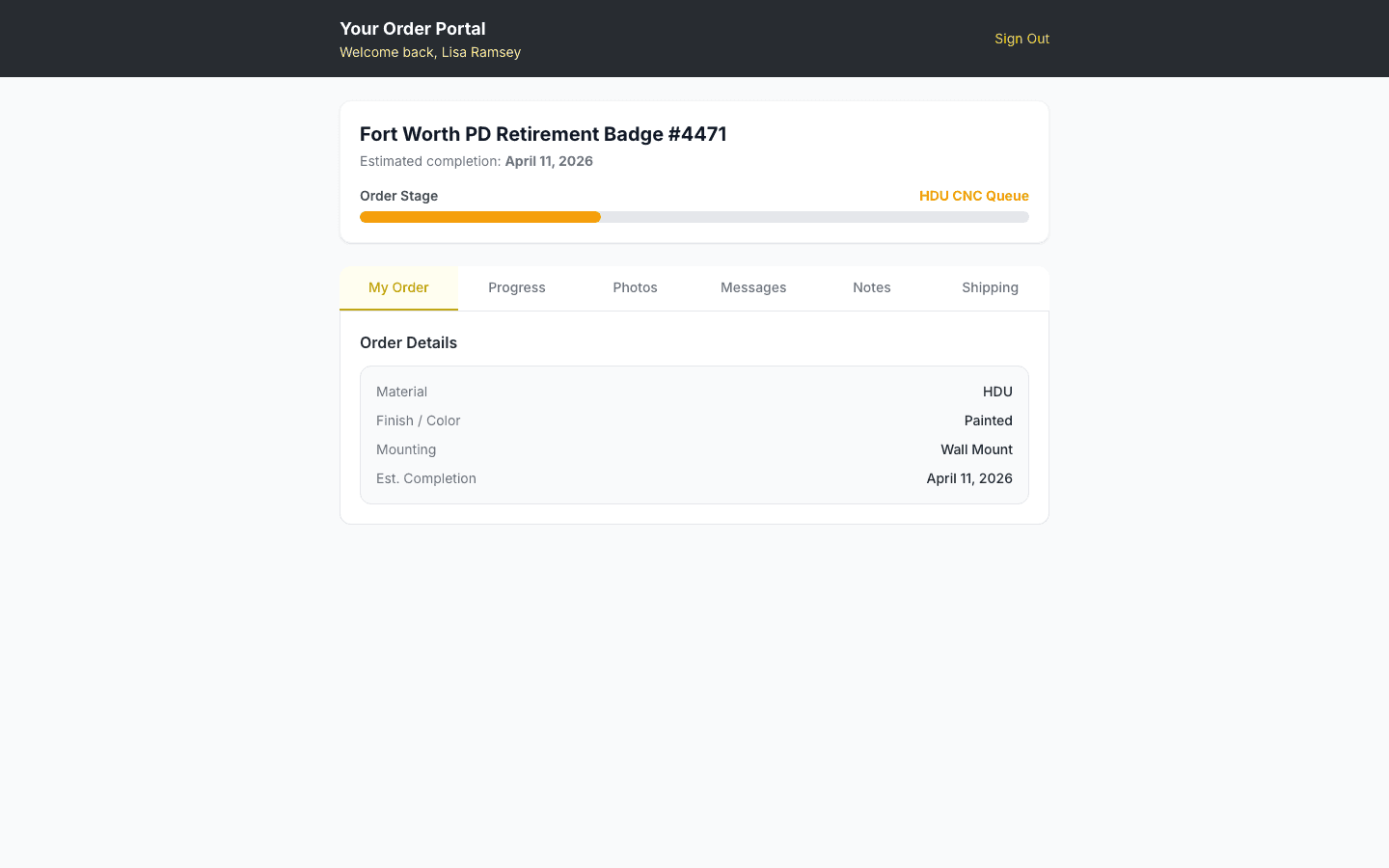
Real-time Order Status
Clients see exactly where their sign is — "Your order is in: Quality Check." A visual timeline shows every phase from order received to ready for pickup, with clear descriptions of what's happening at each step.
- ✓14-phase visual progress timeline
- ✓Phase descriptions written for clients (not shop jargon)
- ✓Estimated completion visible
- ✓Automatic updates on every phase change
Design Approvals
Clients approve or request changes on renderings directly from their portal — no email chains, no phone tag. Each rendering shows as a visual gallery with one-click approve or reject.
- ✓Visual rendering gallery with zoom
- ✓One-click approve or request revision
- ✓Revision history visible
- ✓No login required — accessed via secure email link
Invoice & Payment
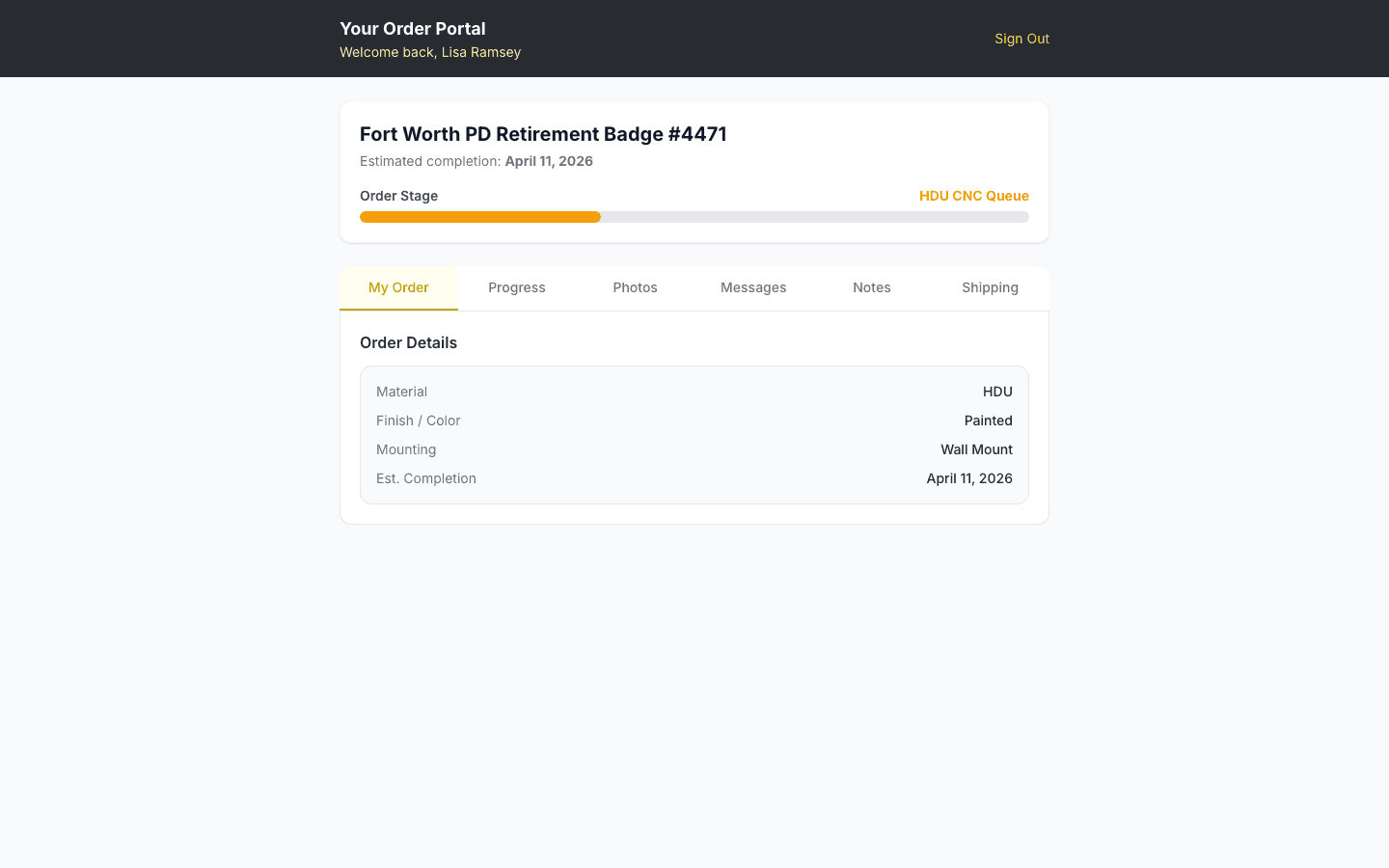
Clients view itemized invoices and pay via Square card payment — all without leaving the portal. Milestone-based billing keeps large projects on track with partial payments due at each stage.
- ✓Itemized invoice with project specs
- ✓Square card payments online
- ✓Milestone-based billing for large orders
- ✓Payment history and receipt access
Two-way Messaging
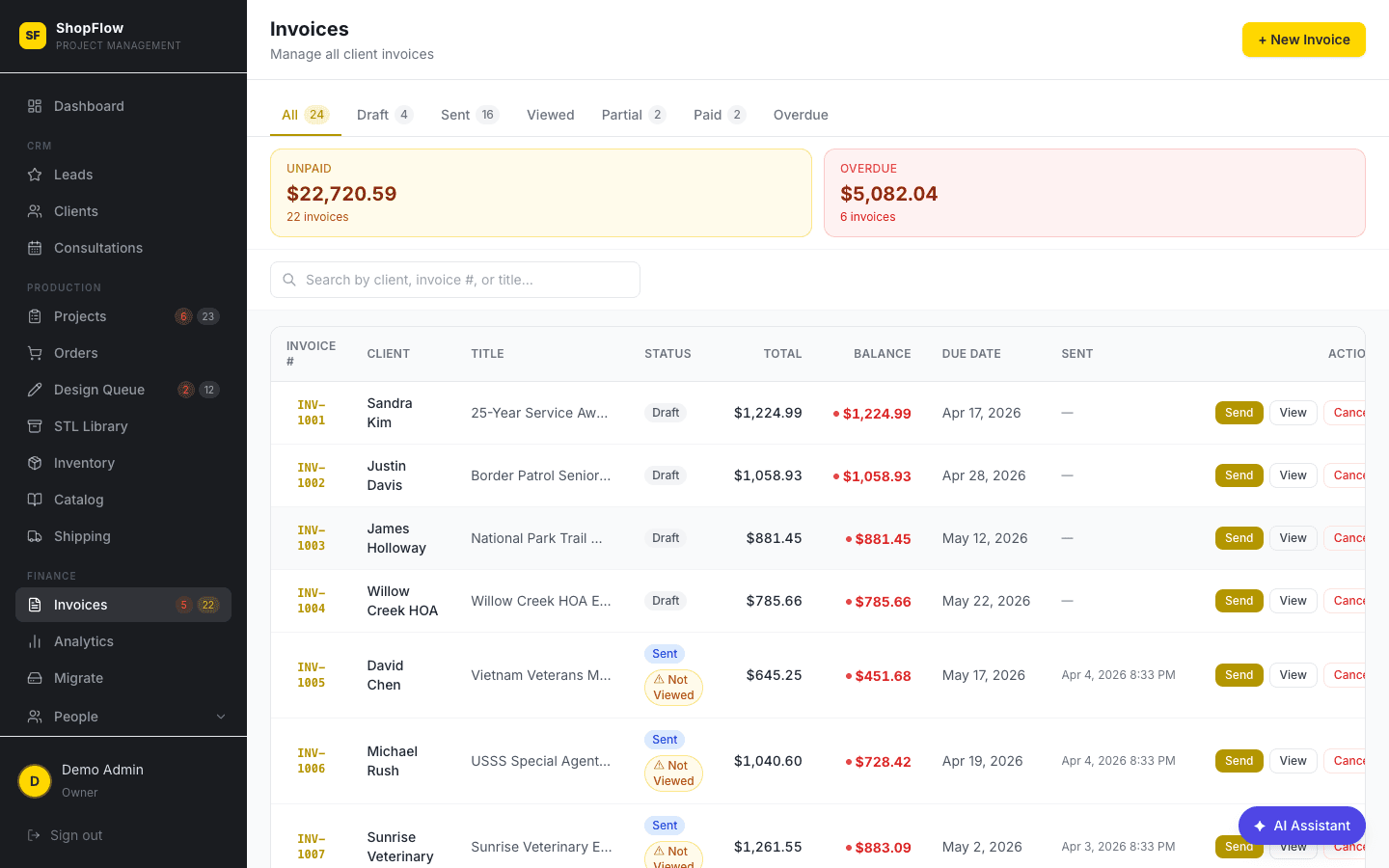
Clients message the shop directly from the portal and get replies without email. A threaded conversation keeps everything in one place — no more lost messages across email, text, and voicemail.
- ✓Threaded message history per project
- ✓File attachments in messages
- ✓Admin gets notified of new client messages
- ✓Replaces email, text, and phone for status updates
Consultation Video Calls
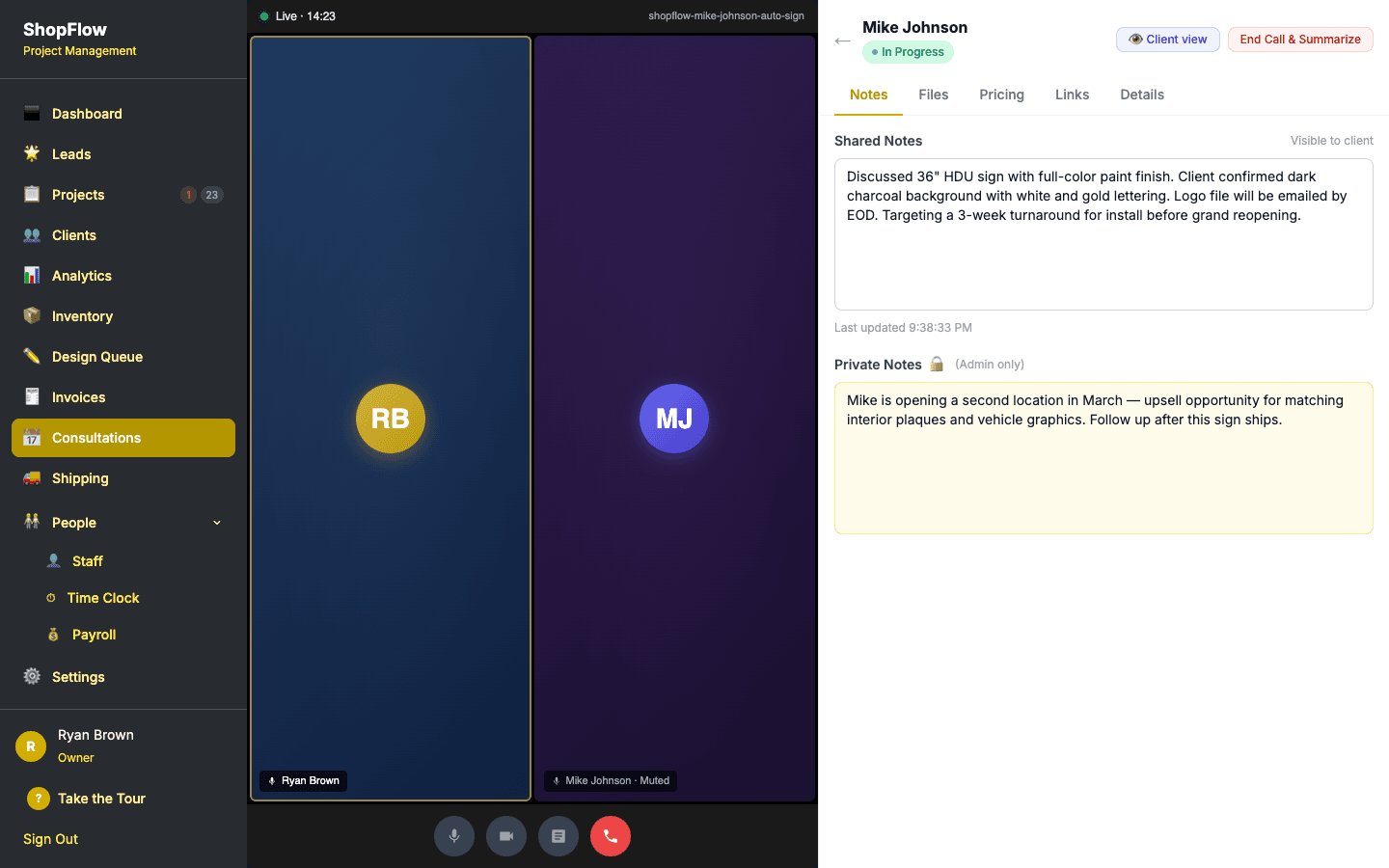
Clients can join video consultations right from the portal — no Zoom link, no third-party app. They see shared files, live pricing, and notes during the call. Propose multiple time slots and let the client pick.
- ✓Built-in Daily.co video, no install needed
- ✓See shared pricing and files during the call
- ✓Pick from proposed time slots
- ✓Post-call summary shared automatically
Public Inquiry Form
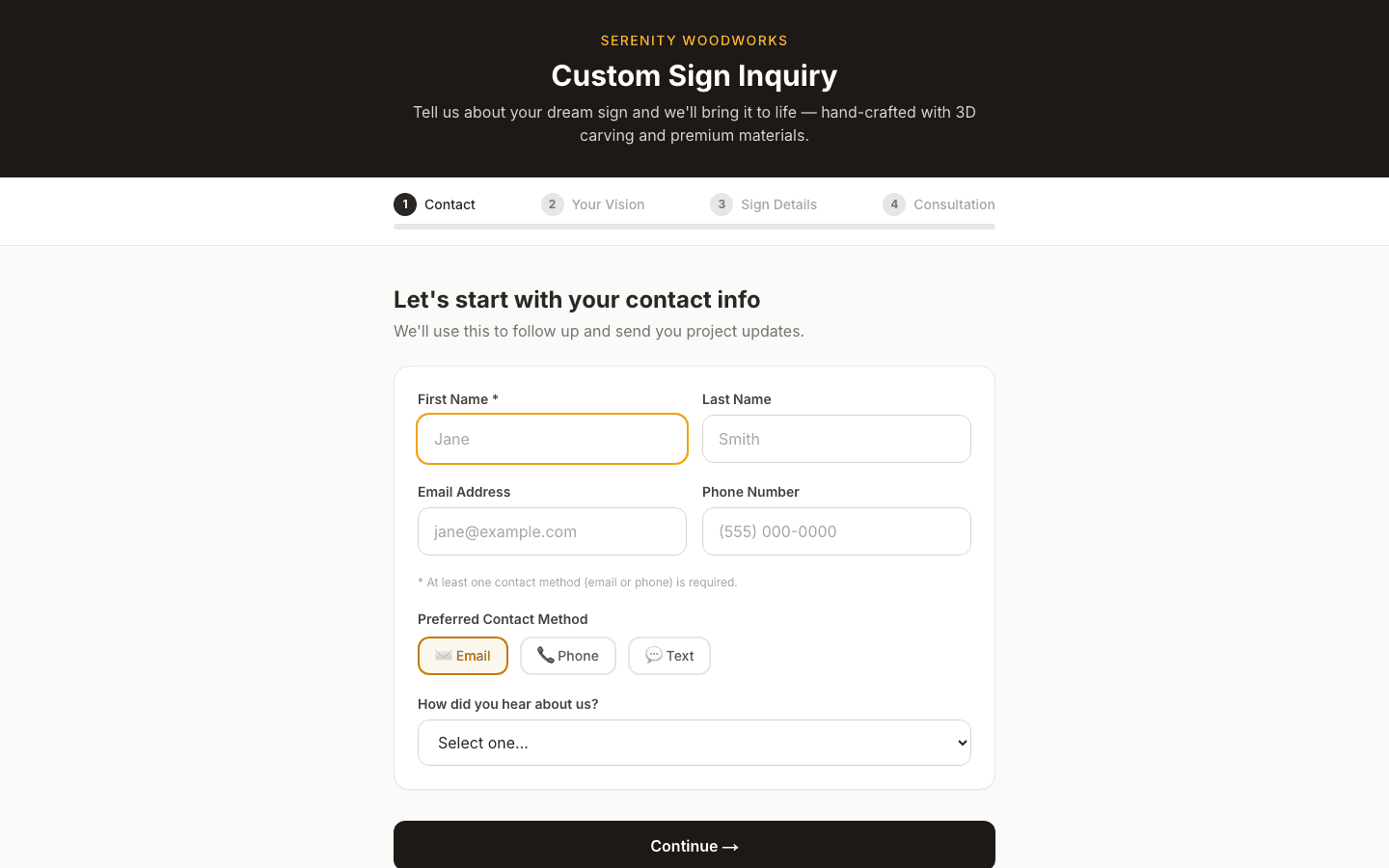
A 4-step form that captures everything you need from a new prospect: contact info, sign vision, detailed specs, and optional consultation booking. Embeddable on any website — submissions land straight in your Leads pipeline.
- ✓4-step guided flow: Contact → Vision → Details → Consultation
- ✓Interactive sign configurator with visual builder
- ✓Submissions auto-create leads in the CRM
- ✓Embeddable on your existing website
"We used to get 10+ calls a week asking 'where's my sign?' Now clients check the portal. Some of them are excited about the progress updates — they didn't know how much work goes into these."
— What ShopFlow OS shops tell us
Be first on the shop floor.
ShopFlow OS opens up to a limited group of founding shops first. Join the waitlist to lock in early access and founding-shop pricing before we open the doors.